Free or paid
Publish open meetups or sell tickets: the money from every sale goes to your Stripe account.

Mon · Events
Create the event, sell QR-coded tickets, control capacity and validate at the door. The whole journey lives in the app: yours as the organizer and your attendees’ too.
Near you
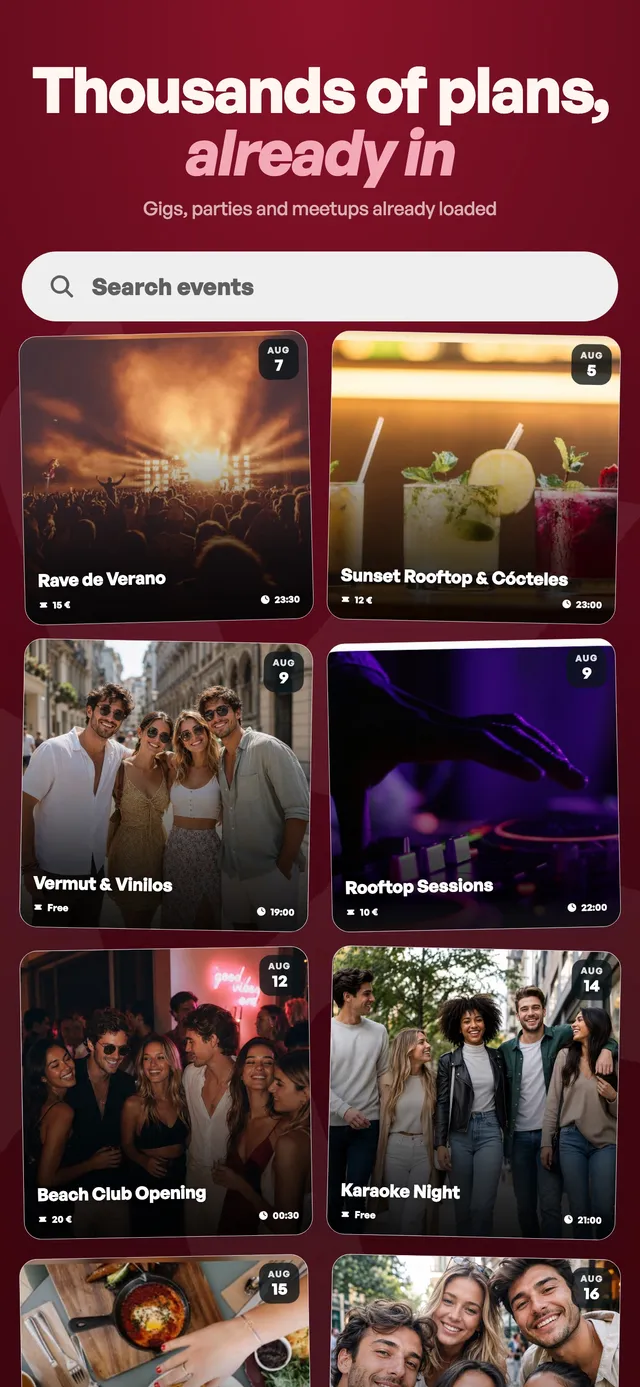
A taste of the agenda you get inside the app: concerts, parties and plans in your area.
Loading the agenda…
Listings from external sources: tickets are bought on the organizer’s own site.
For creators and businesses
Publish open meetups or sell tickets: the money from every sale goes to your Stripe account.
Create several types per event; the price is locked at the moment of purchase.
Limit seats: your spot is held while you pay and released if the payment doesn’t complete.
Schedule weekly meetups and your community always knows when the next one is.
What the attendee sees.
No PDFs or screenshots: your ticket lives in the app and we remind you before the event starts.
At capacity-limited events your spot is held while you pay. Payment is secure with Stripe and the receipt lands in your inbox.
Always in “My tickets”, with your ticket type, ready to show at the door.
The organizer scans your QR and you’re in. Can’t make it? Request a refund right from the app.
Calendar
The agenda puts ticketed meetups and one-to-one sessions together by date. If “My tickets” is what you book, the agenda is what gets booked from you.
It sits in the events tab, next to “My tickets”, and in each community’s management menu. View it as a list or by month.
Works with Google, Apple and Outlook: subscribe once and it updates itself. Google refreshes subscribed calendars every few hours, so there it is not instant.
Connect the account and your bookings show up in your Google Calendar within a couple of minutes. Mon only writes to the calendar it creates for this, it does not touch the rest, and you can disconnect whenever you want.
If the subscription link ends up somewhere it should not, generate a new one and the old one stops working.
Events map
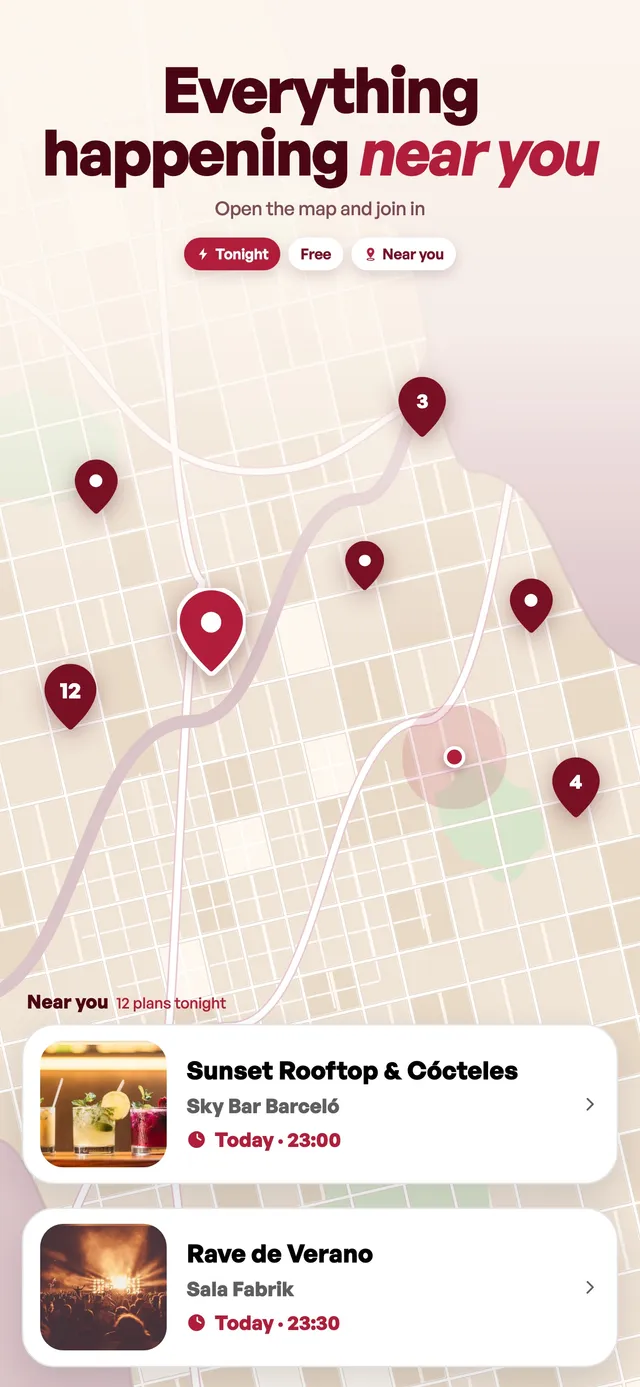
The same agenda from the events tab, placed on the map. One button in the header and what you were reading as a list shows up where it actually happens.
Events group by place: if a venue has three plans you see one pin with the number, not three pins on top of each other.
Tap a venue and its name and events open at the bottom as cards: swipe across and open the one you like.
Map and list share filters and data, so what you see here is what you see there, sorted by venue instead of by day.
It starts over the area that already drives your events, not over the furthest plan. To take in everything at once, one button frames the whole set.
Events without a location don’t vanish quietly: a notice at the top tells you some plans can’t be placed on the map.



Included in Premium
Selling tickets and co-managing your community with more admins are Premium features. Event payments are processed by Stripe securely and are separate from your subscription: Mon does not store your card details or ID document.